
OKX KYC failed? Common rejection reasons, resubmission order and document-fix checklist
Editorial Note
Last reviewed: 3/19/2026
This page is maintained by the BG Trading - OKX Trading & Rebate Guides editorial team and cross-checked against platform rules, product docs and internal topic pages.
If platform rules change, treat the official documentation as the final source of truth.
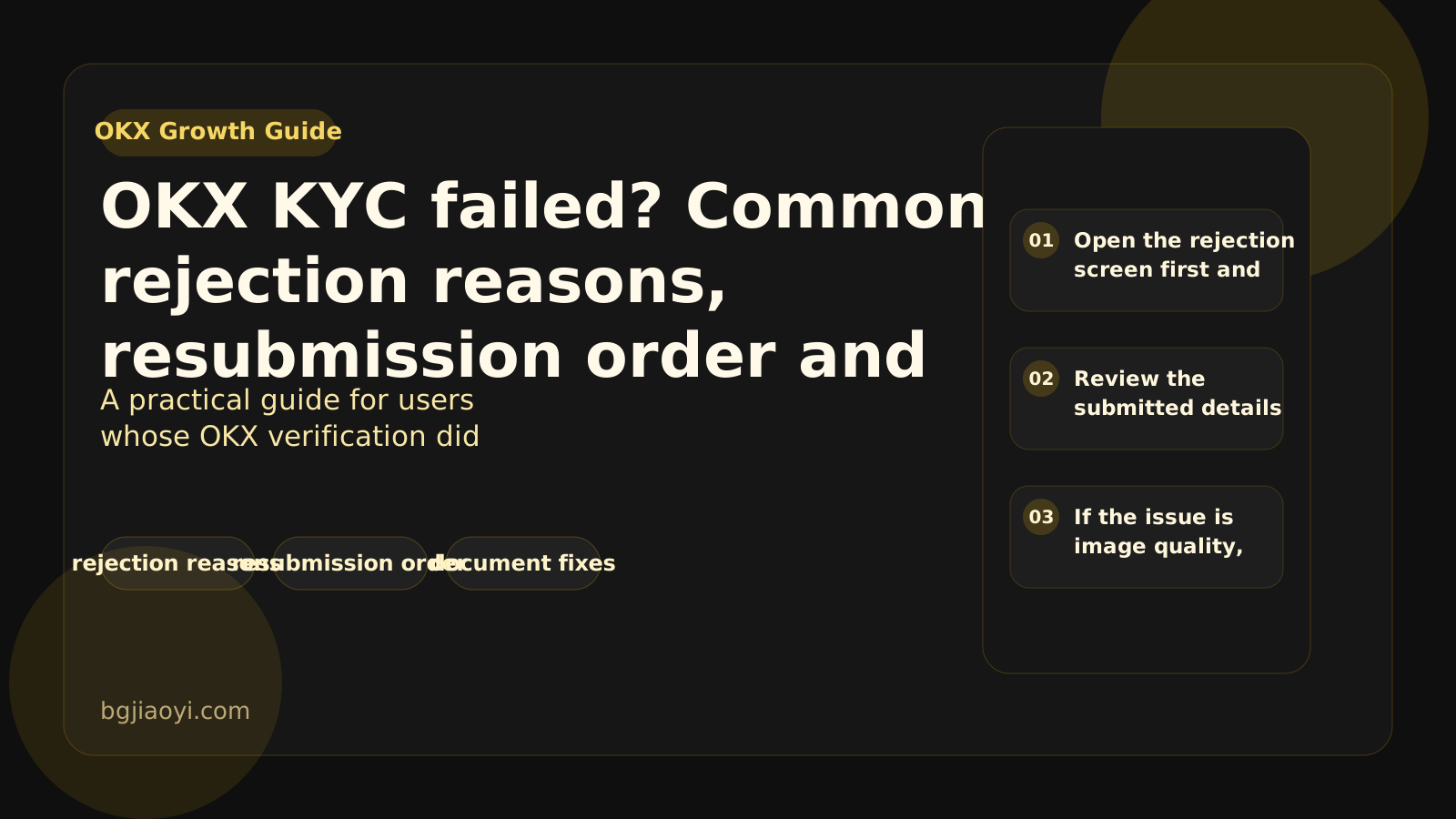
When OKX KYC fails, the best move is usually not to resubmit instantly but to match the rejection reason to the exact document or capture issue first.
Who this guide is for
- Best for users who already submitted KYC and saw a rejection, retry or additional-document notice
- Start with ID consistency, image quality and face-check conditions
- Avoid repeated blind retries before fixing the root issue
Suggested path
- Open the rejection screen first and note the exact failure reason so you know whether the issue is data mismatch, image quality or face capture.
- Review the submitted details against the original document, including name spelling, birth date, expiry date and any address or nationality field shown.
- If the issue is image quality, retake the ID and selfie photos in stable lighting with no glare, blur or cropped edges.
- Before resubmitting, keep the login device and network stable and avoid switching environments too often during the review cycle.
Checklist
- rejection reasons
- resubmission order
- document fixes
FAQ
How soon can I resubmit OKX KYC after a failure?
The page status matters most. The useful approach is to fix the exact reason first and then follow the retry window shown in the account.
What causes OKX KYC rejections most often?
Blurry images, mismatched details, expired documents, glare, cut-off edges and weak selfie capture are the most common triggers.
Will multiple quick resubmissions help?
Usually no. Fast repeated retries can make troubleshooting harder, so correct the material first and then resubmit once.
Next move
Once you enter OKX, treat the live page as the final source for current rules, fees and availability.
Site Role
Site role: carry account-open traffic into trading
This site serves users who already have, or are close to having, an account and now need execution guidance.
- Prioritize fees, fund transfers, spot/futures execution and risk checks.
- Shorten the path from intent to first trade.
- Avoid repeating too much beginner signup material handled elsewhere.